
Adding an SNMP community in the extranet
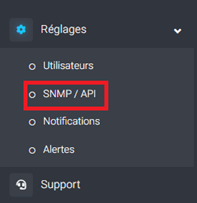
- Log in to the Shwett extranet: https://extranet.shwett.com and go to the SNMP / API page:
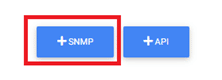
- Then click the SNMP button in the middle of the page:
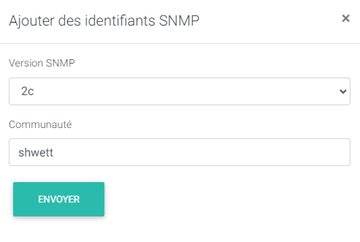
- In the pop-up, choose the SNMP version you want (1, 2c or 3), then fill in the required fields: the user name and, for version 3, the keys:
SNMP versions 1 and 2c:
SNMP version 3:
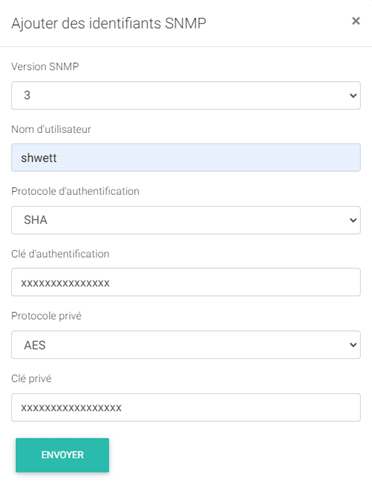
- Click SEND to finish.
Leave a Reply