
Downloading the probe (ISO)
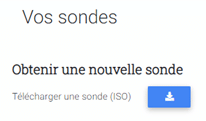
- Download the virtual machine ISO from the Shwett extranet (probe page):
- Upload the ISO to the image section of your portal.
Creating the VM (virtual machine)
- Create a virtual machine from your portal with the following configuration: 1 vCPU, 1 core, 1 GB of RAM.
- Add a CD-ROM drive and attach the ISO uploaded earlier.
- Add a disk with 16 GB of capacity.
- Add a network interface with internet access.
- Finish creating the virtual machine.
Logging in and activating the monitoring probe
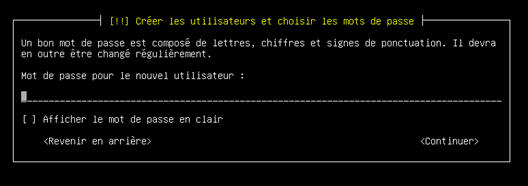
- Installation starts automatically; you only need to enter a password of your choice for the user:
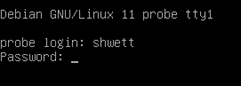
- Once installation is complete, simply log in with the user shwett and the password you entered:
- See the probe activation section to activate it.
Leave a Reply